
 Beveiligingsbeleid
(bewerken met de module Klantenverzekering)
 Leveringsbeleid
(bewerken met de module Klantenverzekering)
 Retourbeleid
(bewerken met de module Klantenverzekering)
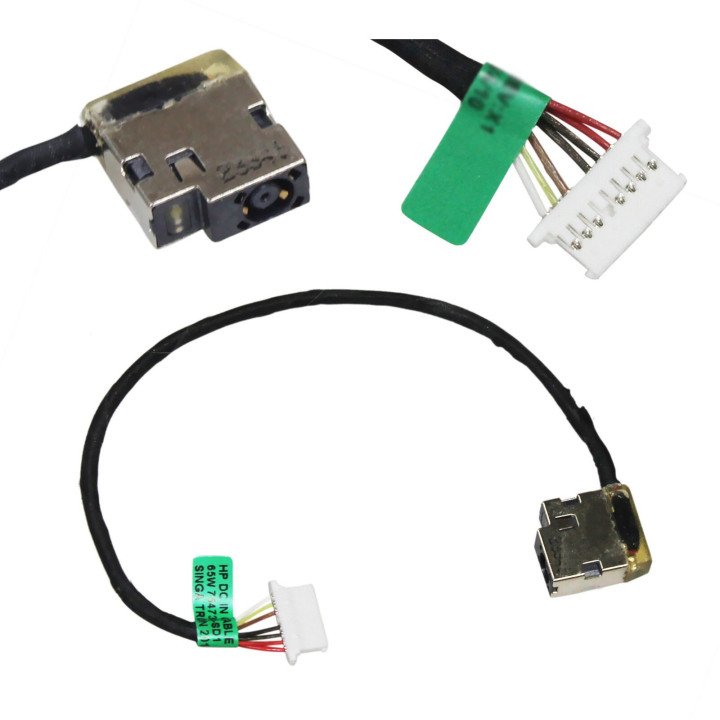
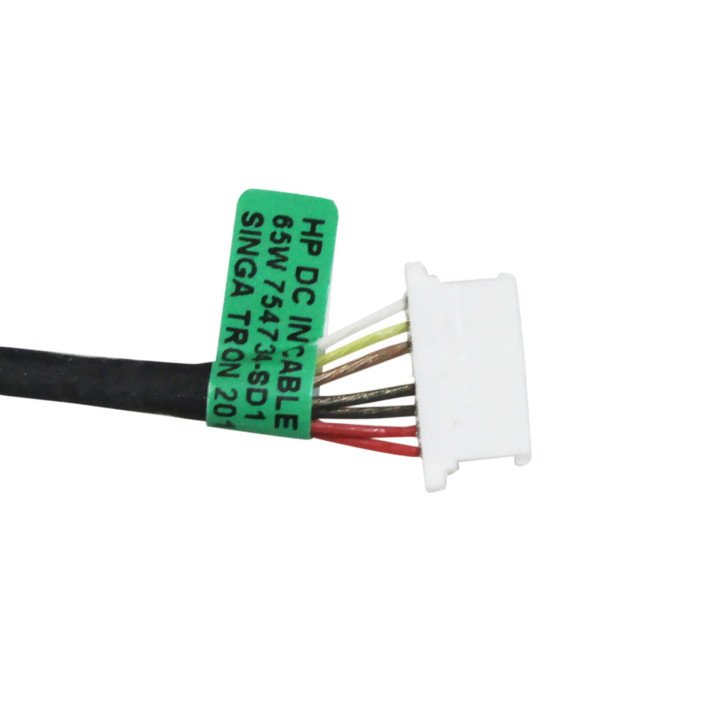
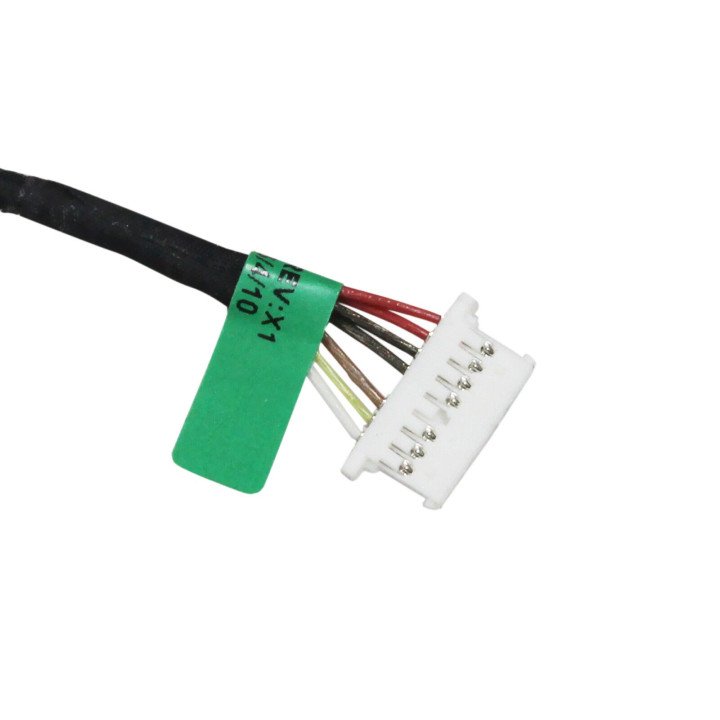
Many users rely on their laptops daily for work, education, and entertainment. Imagine the frustration when your trusty HP 15S-EQ, 15S-FQ, 250 G6 or 255 G6 suddenly refuses to power on or charge. While various factors can cause this, a common culprit often lurks within: a faulty DC jack. This seemingly small component, responsible for connecting your charger to your laptop, is surprisingly prone to failure, leading to significant inconvenience. Let's delve into the issue of the HP DC jack defect in these popular HP models and explore solutions.
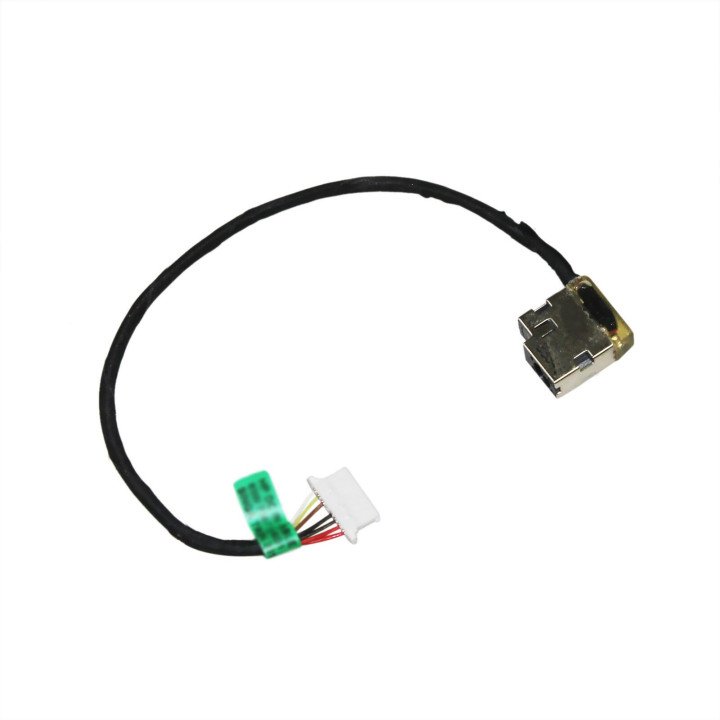
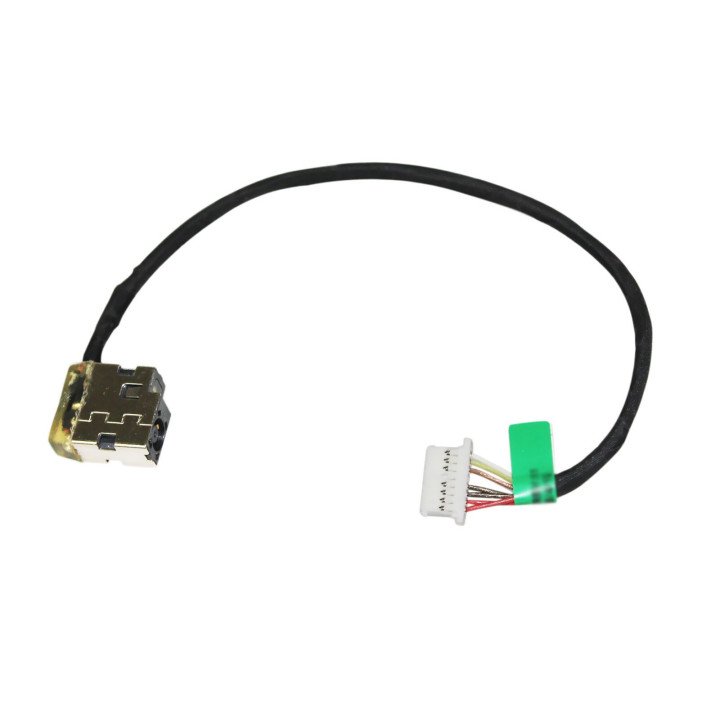
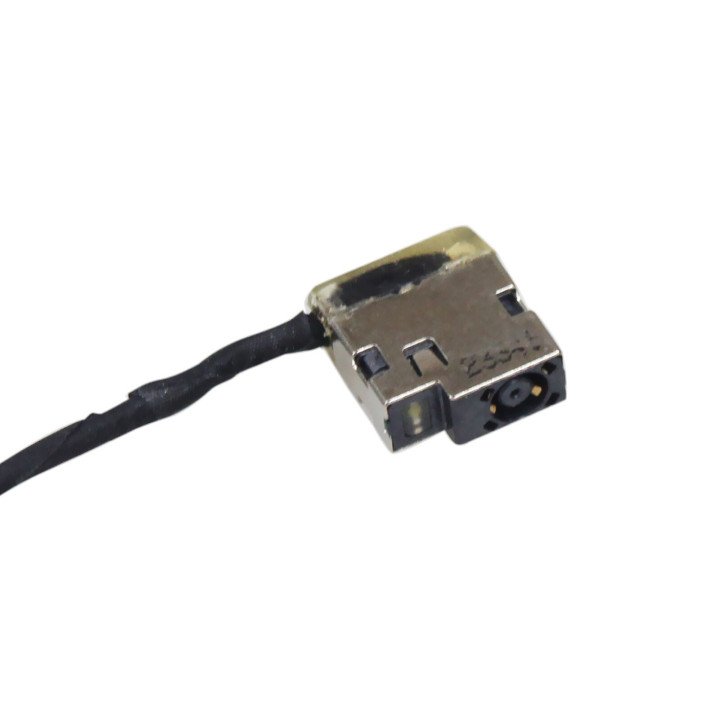
The DC jack, or power jack, is the port on your laptop where you plug in the AC adapter. It's a vital link that allows power to flow from the charger to your battery and the rest of the system. These HP models – the HP 15S-EQ, 15S-FQ, 250 G6, and 255 G6 – have been reported by many users to experience issues with their HP DC jack.
The problem often manifests in several ways:
The reasons for these failures are varied. Physical stress from frequent plugging and unplugging, accidental impacts, and even poor manufacturing quality can contribute to the problem. Over time, the internal pins of the DC jack can become loose, fractured, or corroded, disrupting the flow of power.
If you're experiencing any of the aforementioned symptoms, a HP DC jack replacement is likely the necessary solution. While some users might attempt DIY repairs, it's generally recommended to seek professional assistance. Replacing a DC jack maybe requires soldering skills, specialized tools, and a thorough understanding of laptop electronics. Incorrect handling can lead to further damage to the motherboard, rendering the laptop unusable.
A qualified technician can diagnose the issue accurately, remove the faulty DC jack, and replace or solder a new one in its place. They can also identify any related damage to the surrounding circuitry and make necessary repairs. This ensures a stable and reliable power connection, restoring your laptop's functionality.
When sourcing a replacement DC jack, it's crucial to ensure compatibility with your specific HP model. Using the correct HP DC jack part number is essential to avoid further complications. Here are some of the common part numbers associated with these HP models:
However, it's always best to double-check the part number by referencing your laptop's service manual or consulting with Computersall. They can help you identify the correct part based on your laptop's serial number or model number.
Purchasing a high-quality replacement DC jack from a trusted supplier is also crucial. Opting for a cheap, generic replacement can lead to premature failure and future headaches.
While DC jack failure can be frustrating, there are steps you can take to minimize the risk:
By understanding the potential for HP DC jack issues in the HP 15S-EQ, 15S-FQ, 250 G6, and 255 G6 models, you can take proactive steps to prevent failures and address problems effectively when they arise. Whether it's replacement, finding the right HP DC jack part number, or preventative maintenance, taking action can save you time, money, and frustration in the long run.
check_circle
check_circle


Comments (0)
Your review appreciation cannot be sent
Report comment
Report sent
Your report cannot be sent