
 Beveiligingsbeleid
(bewerken met de module Klantenverzekering)
 Leveringsbeleid
(bewerken met de module Klantenverzekering)
 Retourbeleid
(bewerken met de module Klantenverzekering)
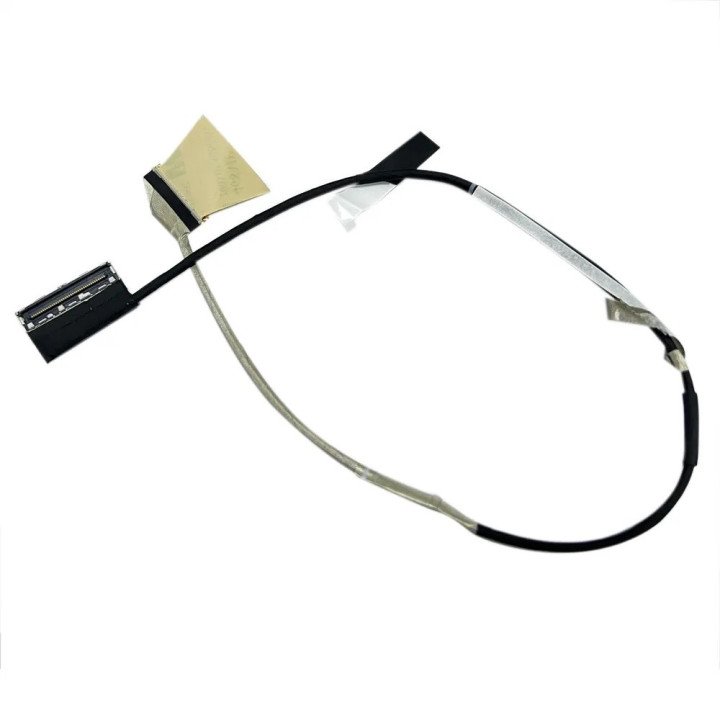
Imagine this: You're deep into a gaming session or working on a critical project on your powerful Asus ROG laptop – specifically the G713QM, G513QM, or G513QS model – and suddenly, your display starts acting up. Flickering, strange lines, intermittent black screens, or perhaps no image at all. While the GPU or the screen itself could be culprits, a frequently overlooked but vital component is the LCD display cable. This often-delicate cable is the lifeline that connects your laptop's motherboard to the display panel, transmitting video signals and sometimes power. Understanding its function, potential failure points, and how to address them is crucial for maintaining your high-refresh-rate gaming machine. This article delves into the world of the Asus ROG Strix G713QM, G513QM, and G513QS Lcd cable, covering common defects, the replacement process, and the importance of finding the correct part number for your specific 144Hz, 165Hz, or 240Hz panel.
The LCD cable in laptops like the Asus ROG G713QM, G513QM, and G513QS is subject to wear and tear, primarily due to the constant opening and closing of the laptop lid. The cable is typically routed through the hinge mechanism, and this movement can strain the wires inside, especially near the connectors or within the hinge path itself.
Symptoms of an Asus lcd cable defect can manifest in various ways. Common signs include:
These issues are often more pronounced when the laptop lid is at a specific angle, which is a tell-tale sign that the cable, strained in that position, is failing. While the display connector on the motherboard or the panel could also have issues, a defective cable is a very common cause for these symptoms in the Asus ROG Strix G713QM, G513QM, and G513QS models, especially those supporting high refresh rates like 144Hz, 165Hz, or 240Hz, which rely on high-bandwidth signal transmission through the 40PIN connector.
Replacing an Asus lcd cable defect isn't a simple task for the faint of heart, but it is a solvable problem. The process requires careful disassembly of the laptop, including potentially removing the bottom cover, keyboard, and even the display bezel and panel itself to access the full length of the cable and its connectors.
The general steps involve:
Due to the delicate nature of internal laptop components and the specific routing required, especially around the hinge, Asus lcd cable replacement is often best left to experienced technicians. Attempting this without proper knowledge and tools can lead to further damage to the laptop. However, for those with repair experience, it is a feasible DIY project, provided you have the correct replacement cable.
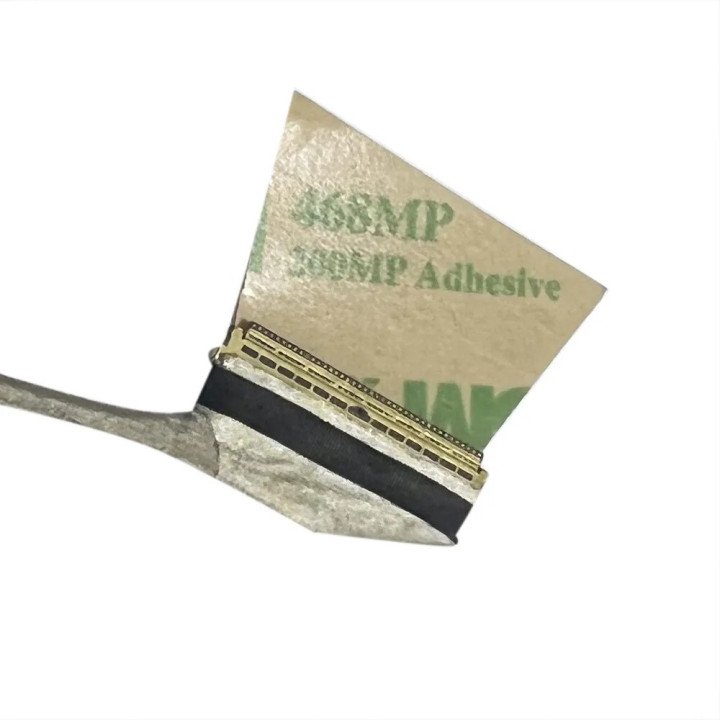
Finding the correct replacement cable is arguably the most critical step in the repair process for your Asus ROG G713QM, G513QM, or G513QS. Unlike some generic components, LCD cables are highly specific to the laptop model, the screen type, and even the display's refresh rate (e.g., 144Hz, 165Hz, 240Hz). While many cables for these models might feature a 40PIN connector, the internal wiring layout and shielding required for higher refresh rates can vary significantly. Using the wrong cable might result in no image, a corrupted image, or the inability to drive the display at its intended refresh rate.
To ensure full compatibility and restore your laptop's display to its full capabilities, you need to match the Asus lcd cable part number exactly. You can usually find the part number printed on a sticker directly on the existing cable itself. This often requires partially disassembling the laptop to view the cable. Alternatively, you can sometimes find this information in the laptop's service manual (if available online) or by contacting Asus support with your laptop's serial number.
Examples of part numbers compatible with various configurations of the Asus ROG G713QM, G513QM, and G513QS (specifically models often referred to under the broader "ROG 5 plus" umbrella) supporting different refresh rates and panel types might include references like: lcd cable 6017b1549001, 6017B1701801, 6017B1701701, 14005-03700400, 14005-03680400, 6017b1706401, 14005-03680500, among others.
When searching for a replacement, verify that the seller confirms compatibility with your specific model number (e.g., G713QM-...) and the display's specifications (e.g., 165Hz WQHD, 240Hz FHD). The Asus ROG Strix G713QM G513QM G513QS Lcd cable 40PIN 165HZ 144HZ 240HZ specification is key – ensure the replacement cable is rated for your screen's refresh rate.
In conclusion, a failing LCD cable can be a frustrating issue for owners of high-performance Asus ROG G713QM, G513QM, and G513QS laptops. Identifying the symptoms of an Asus lcd cable defect is the first step. While Asus lcd cable replacement is possible, it's a detailed process requiring care or professional assistance. Most importantly, sourcing the correct Asus lcd cable part number – matched to your specific laptop model and display refresh rate (whether it's 144Hz, 165Hz, or 240Hz) and likely featuring the 40PIN connector – is paramount to a successful repair and getting your vibrant, high-speed display back in perfect working order.

check_circle
check_circle


Comments (0)
Your review appreciation cannot be sent
Report comment
Report sent
Your report cannot be sent